Guests scan the table QR and see your menu on their phone, with photos and prices straight from your items, dietary tags, today's specials and sold-out dishes greyed out automatically.
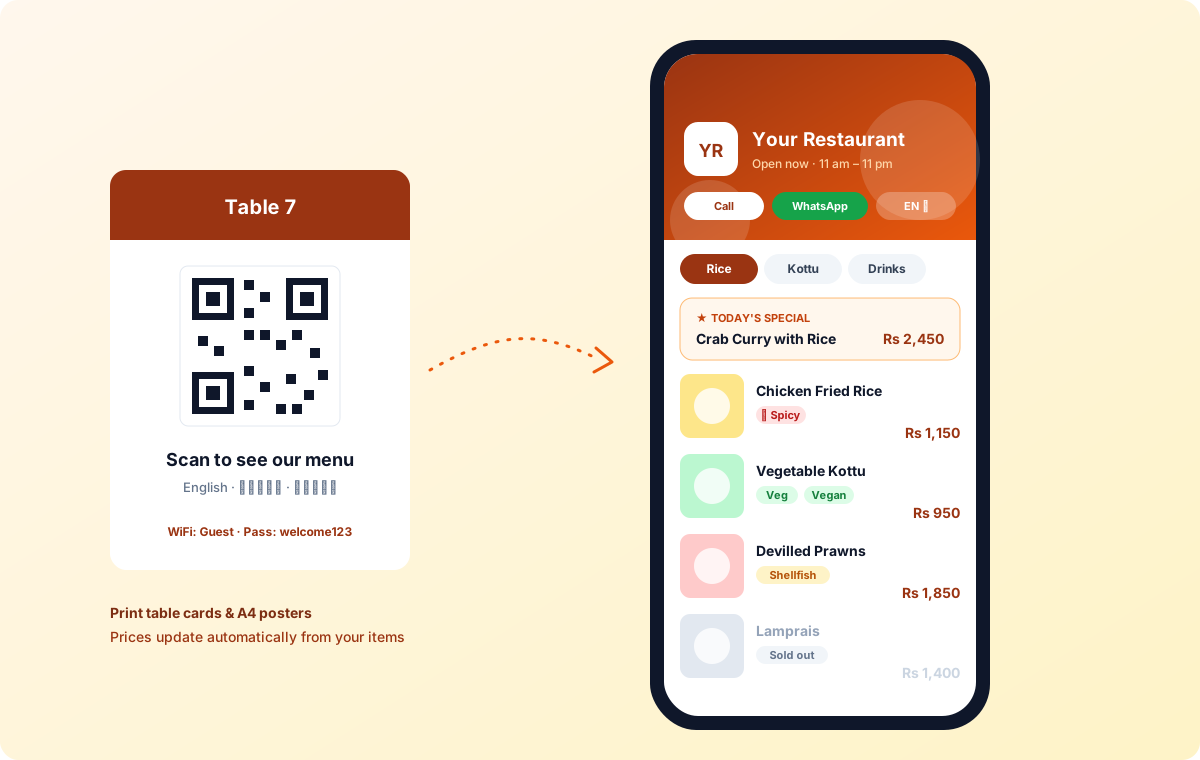
Put a QR code on each table and guests open your menu on their own phone — no app, no paper menus to reprint. Photos and prices come straight from your items in Bigz, so the menu is always up to date.
Made for guests
Veg, vegan, spice and allergen tags help guests choose. Today's specials sit at the top, and anything sold out is greyed out automatically. The menu reads in English, Sinhala and Tamil, and shows your WiFi, opening hours and one-tap call and WhatsApp buttons.
Your look, ready to print
Add your logo, cover photo and colour. Print table cards and an A4 poster straight from Bigz.
Plans
The free plan includes a general menu QR. Higher plans add table codes, translations, specials and your own branding. Ordering from the table is coming soon.
Key Features
Benefits for Your Business
- No paper menus to reprint
- Prices always match the till
- Guests choose with confidence
Questions
Does it support restaurants?
Yes. Bigz Restaurant Manager is a separate workspace for restaurants, cafés and bakeries: a live floor of tables, dine-in, takeaway, delivery and counter orders, kitchen tickets and a kitchen display by station, reservations with online booking, a waitlist, waiters and restaurant reports.
Can my restaurant have a QR menu?
Yes. Guests scan the table QR and see your menu on their phone, with photos, prices, dietary tags, specials and sold-out items greyed automatically, in English, Sinhala or Tamil. The free plan includes a general menu QR; higher plans add table codes, translations, specials and branding. Table ordering is coming soon.
Can guests book a table online?
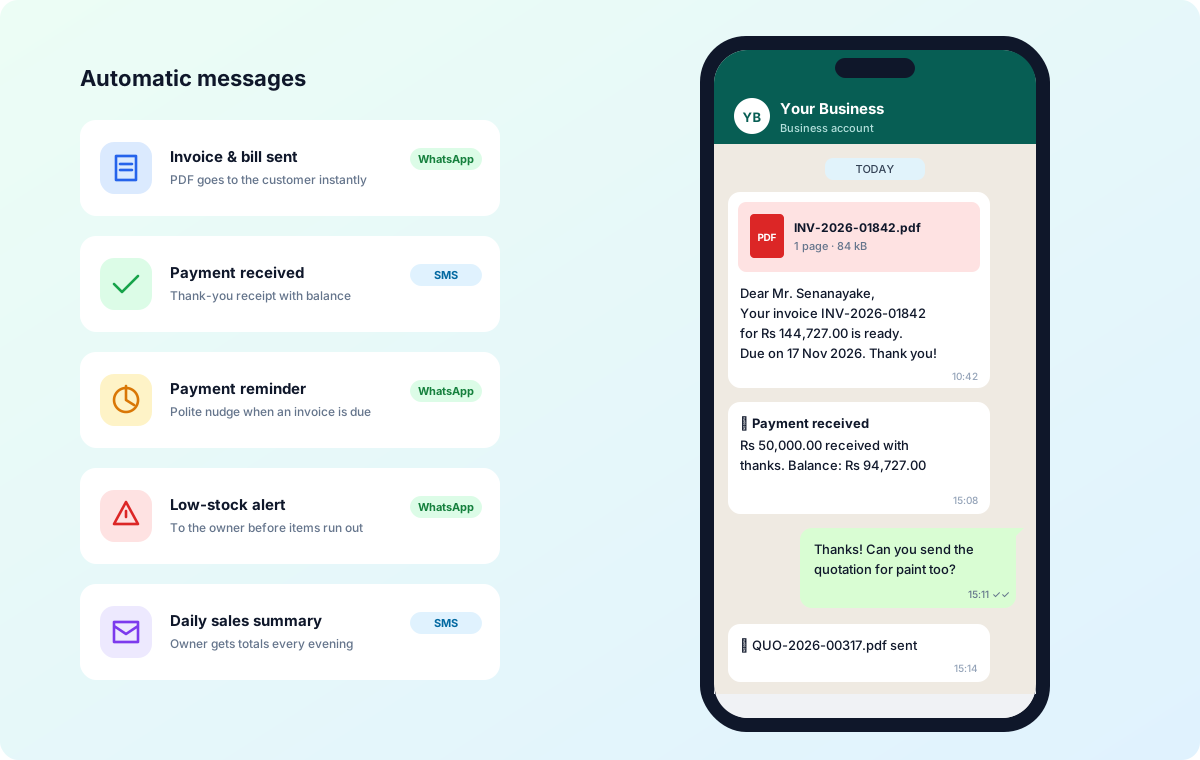
Yes. Your restaurant website and QR menu get a “Book a table” page, switched on from the start. Guests pick a date, time and party size; the booking lands on your reservations timeline and they get a confirmation and a reminder by WhatsApp or SMS from your own business number.
What happens when a dish runs out?
Mark it sold out for today or until you turn it back on. The restaurant POS and the QR menu refuse it straight away, so no one orders a dish the kitchen cannot make.
Can two groups sit at the same table?
Yes. Share table seats another group at a busy table with its own separate bill. You can also move, merge and split bills, or take a dine-in order at the counter with no table.
How does the waitlist work?
Add walk-in guests with their party size and expected wait. When a table frees up, seat them in one tap and send a “table ready” message by WhatsApp or SMS from your own business number.
How long does it take to start?
A new restaurant starts with a kitchen station, a dining area and a first table already set up, so you can take orders on day one and add your menu, tables and staff as you go.
Does stock go down for each ingredient when I sell a dish?
Yes. Give the dish its recipe — for a submarine: bread roll, chicken, cheese, lettuce and sauce — and every sale takes each ingredient out of stock, allowing for wastage. A returned dish puts them back. Extras like “Extra cheese” use their own ingredients, and drinks you buy and sell as they are simply count down one by one.
Can I see the food cost of each dish?
Yes. Each dish shows its food cost, food cost % and margin from its recipe. Reports show food cost by dish, ingredients used against ingredients bought, and ingredients running low.
Can I make sauces or doughs in a batch?
Yes. Record a batch and its ingredients are used up at once; the finished sauce or dough is then used by your dishes. A batch entered by mistake can be cancelled.
Will I know before an ingredient runs out?
Yes. The low ingredients report shows what is running short and how many portions of each dish you can still make. You can also choose to mark a dish sold out automatically when an ingredient runs out.
How do I know when a table will be free?
Set the usual cooking and eating times and every busy table on the floor shows “Free in ~12 min”, or “Overdue” when it runs late. Guests at the counter can wait for the next free table: the system suggests the one that frees first and fits the party, and asks staff to seat them there when it frees.