Fast counter billing with nine ready-made register layouts — from keyboard-first retail desks to touch screens, phones and restaurant tables.
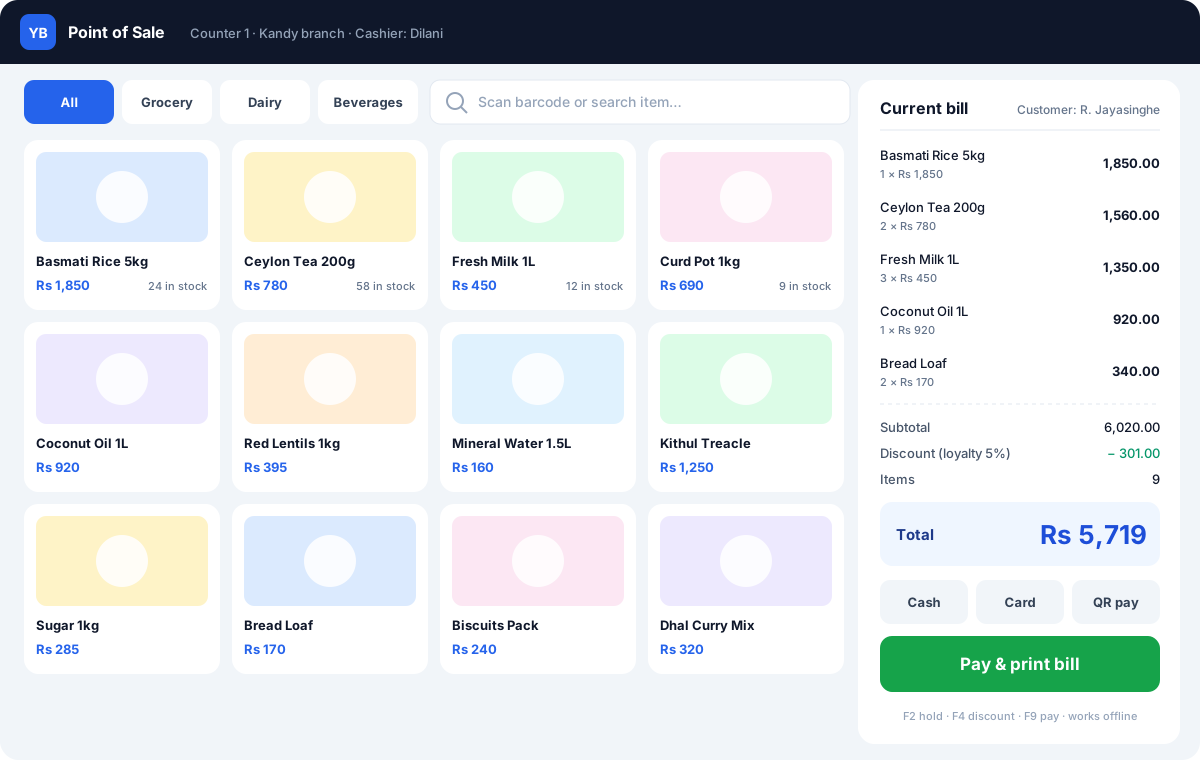
Bigz POS is built for busy counters. Scan or tap items, take cash, card or other payments, print a receipt and move to the next customer. Each register opens and closes with its own shift, so every cash-up is accurate.
Nine register layouts
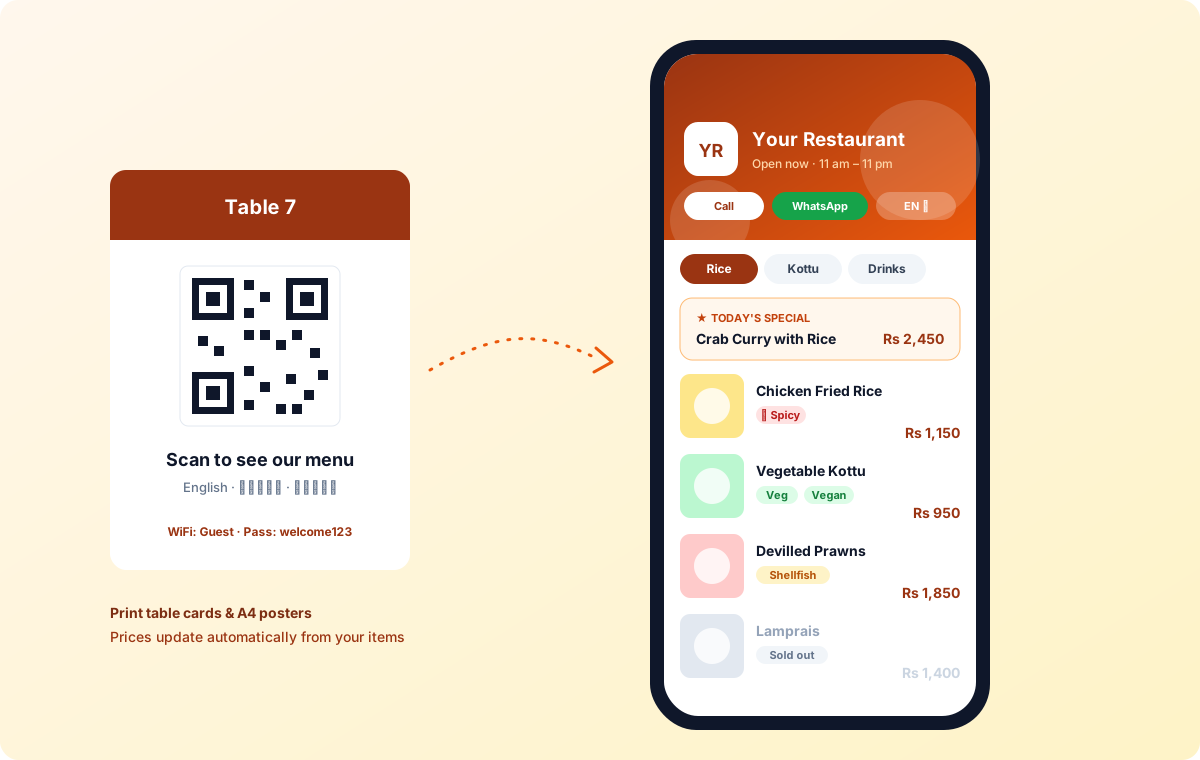
Pick the screen that suits the way you sell, per register: Classic (split screen for keyboard and scanner), Express (big touch tiles and an on-screen numpad), Desk (keyboard-first for large catalogues), Café (dine-in, takeaway and delivery tickets), Pocket (one-handed on a phone with camera scanning), Boutique (size and colour swatches), Clean (minimal keypad for services), Smart grid (your best sellers one tap away) and Restaurant (tables, kitchen tickets and a kitchen display).
Connected to everything else
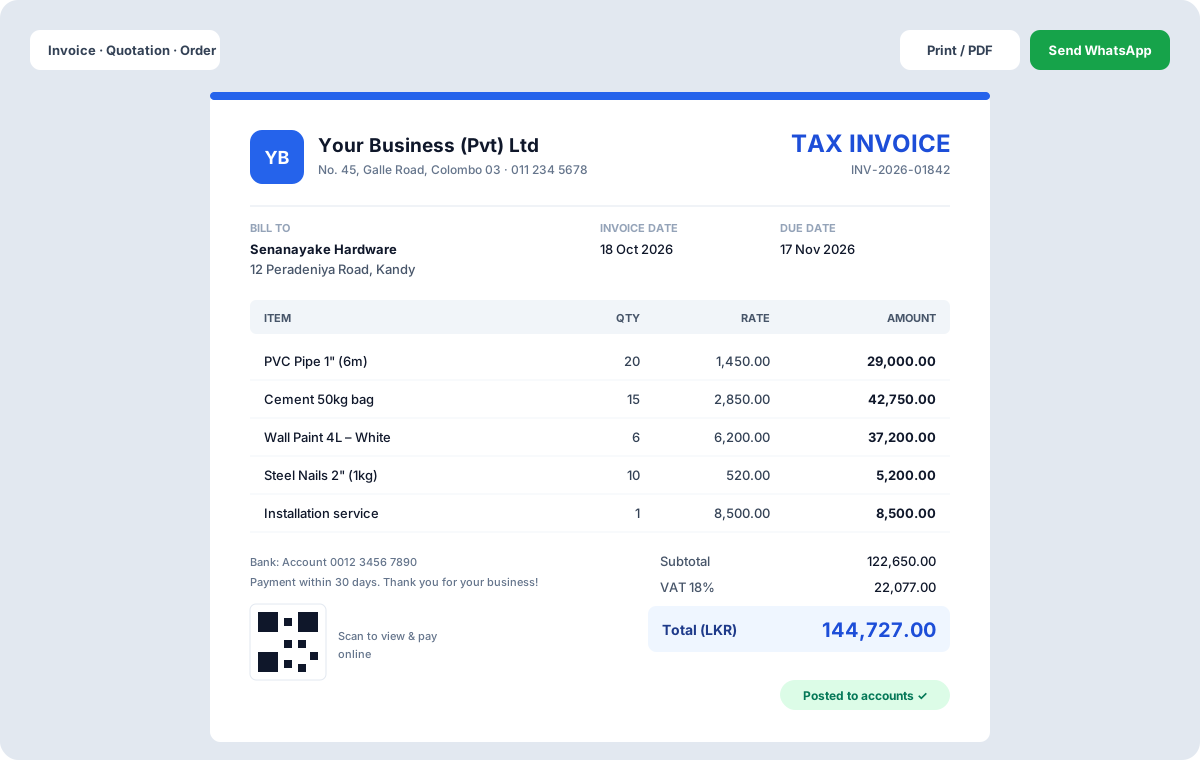
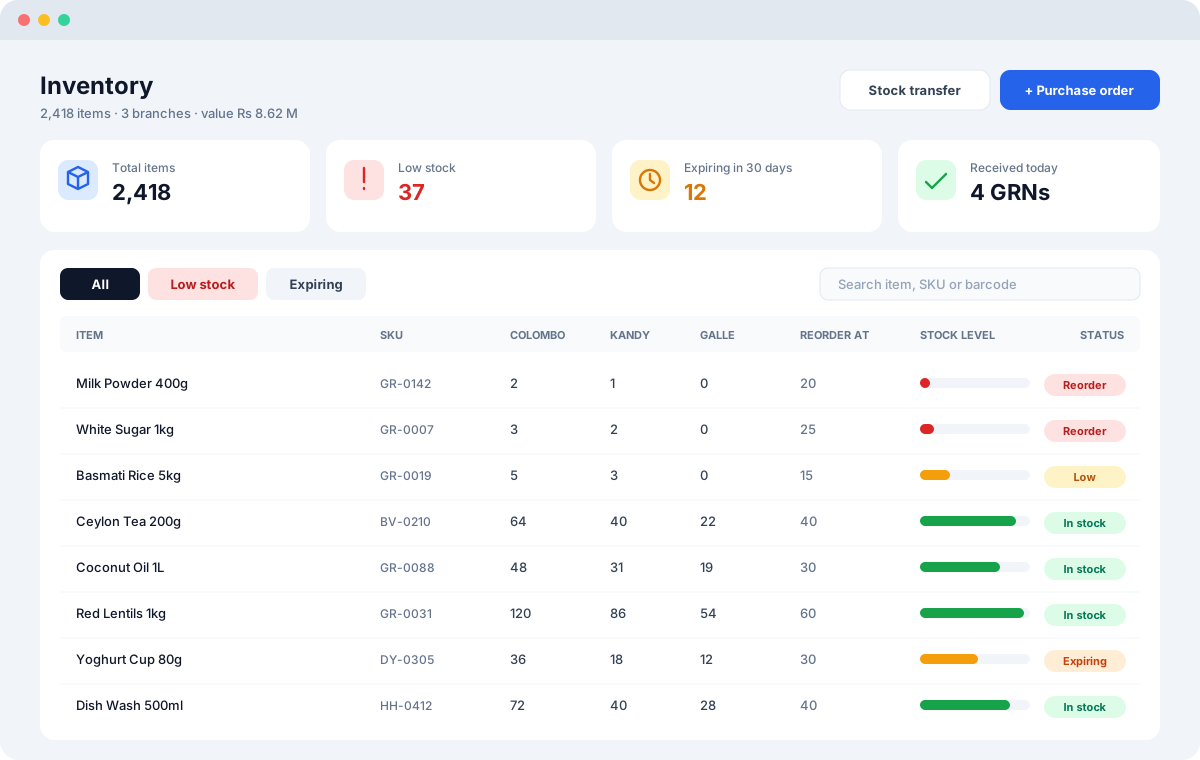
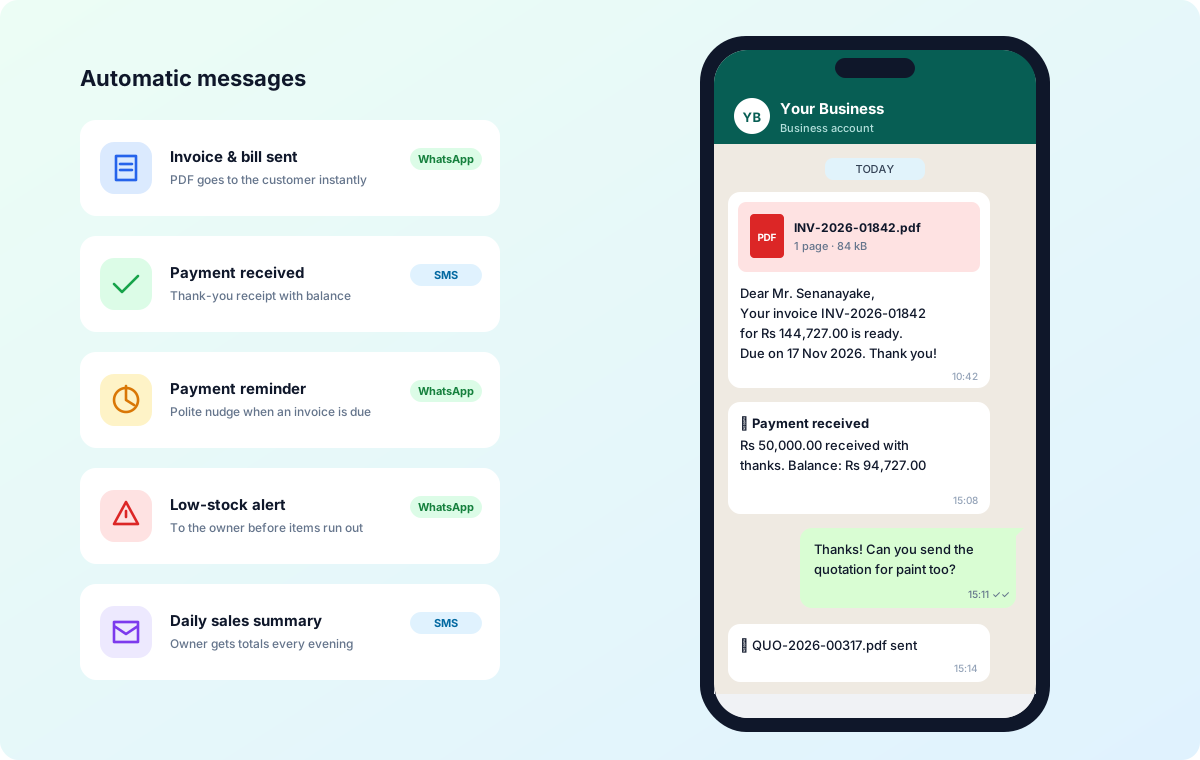
Every sale updates stock and the books automatically. Receipts can be printed on 80mm or 58mm printers, shared as a link, or sent by Bigz SMS or WhatsApp.
Key Features
Benefits for Your Business
- Shorter queues
- Accurate cash-up every shift
- One system from counter to accounts
Questions
Do you supply POS hardware?
Yes. We provide tested terminals, handheld POS, thermal printers, scanners, cash drawers and scales.
Which POS screen should I use?
There are nine register layouts — Classic, Express, Desk, Café, Pocket, Boutique, Clean, Smart grid and Restaurant — and each register can use a different one. We help you pick during setup.
Can a customer pay part of a bill?
Yes. Take a part payment at the counter; the balance goes to the customer's account and appears in the dues list until it is collected.