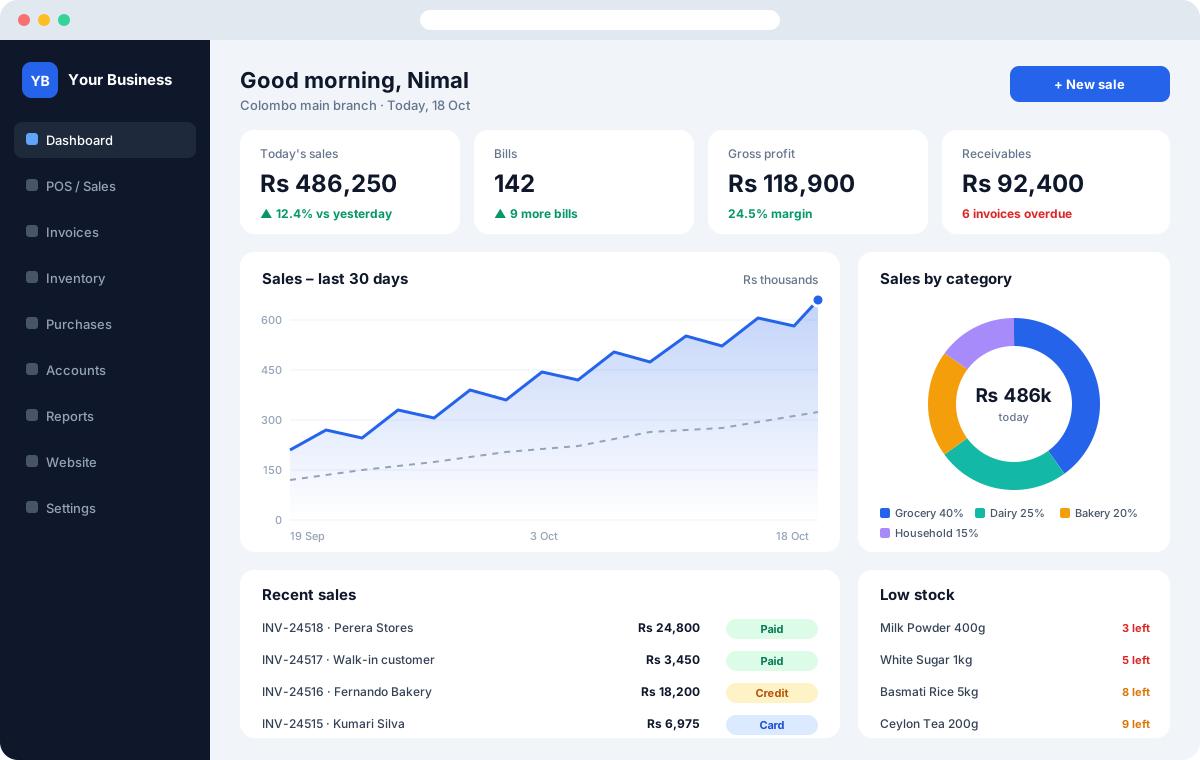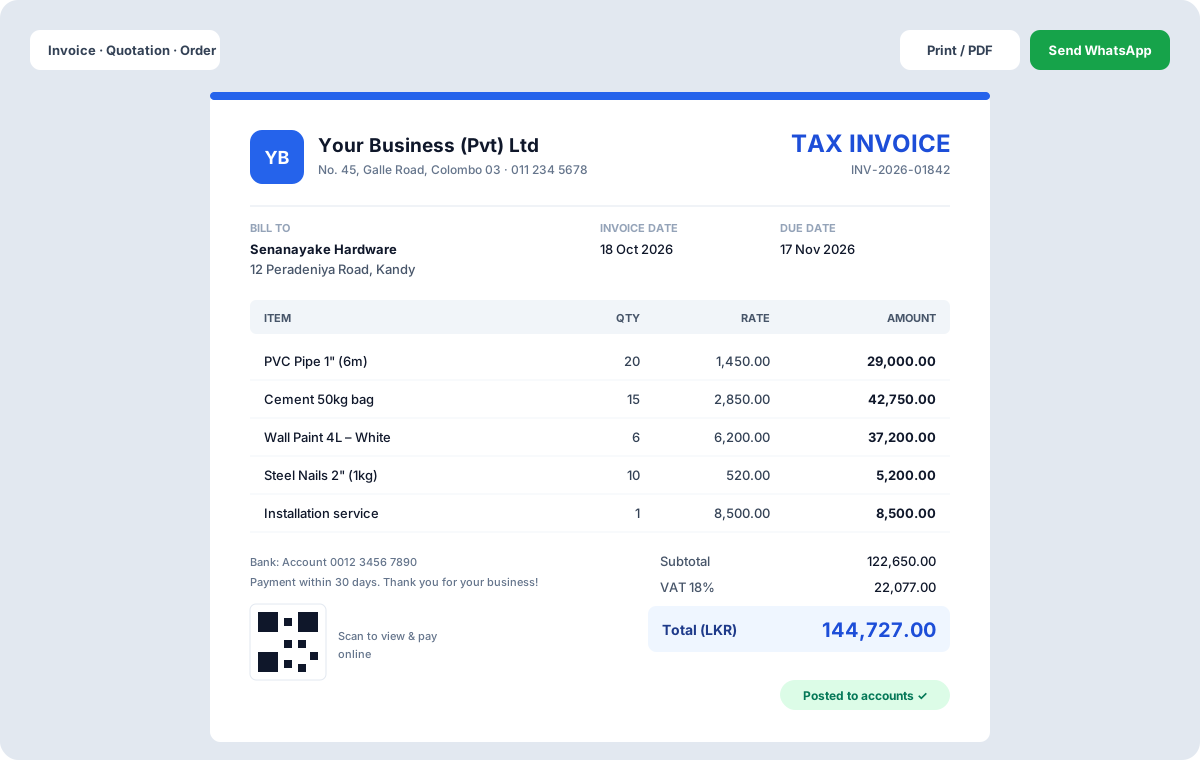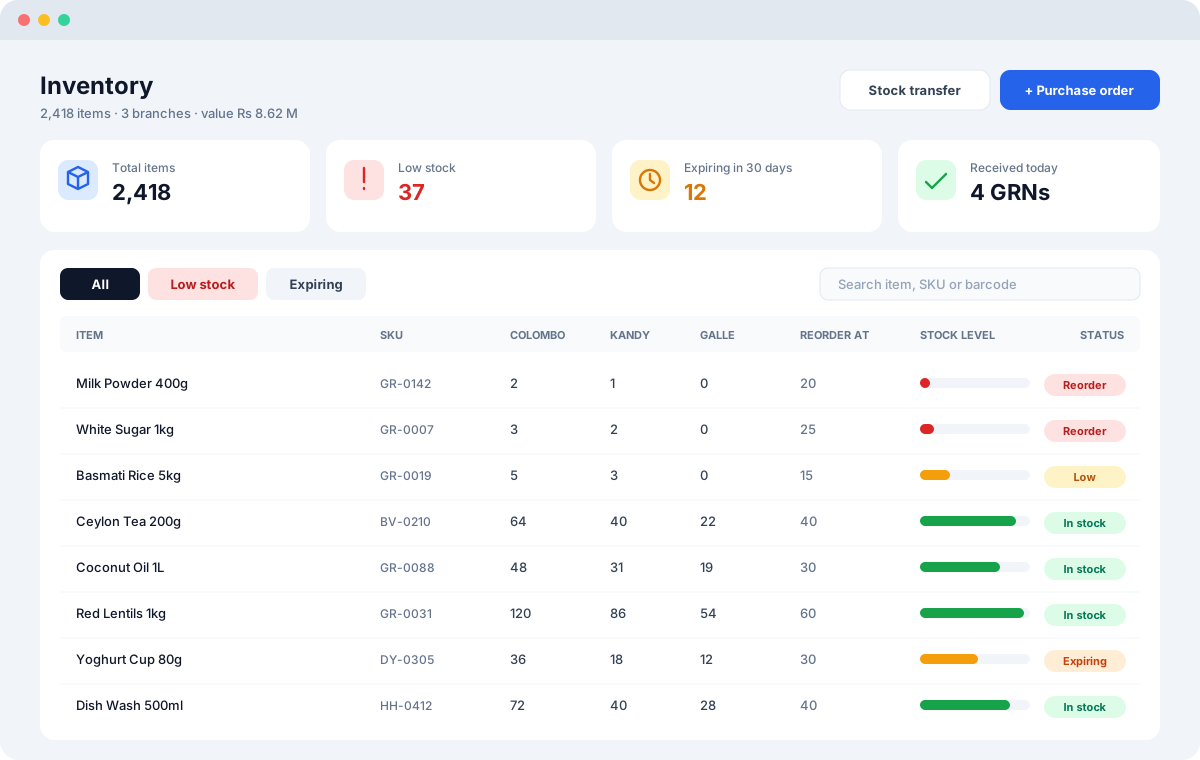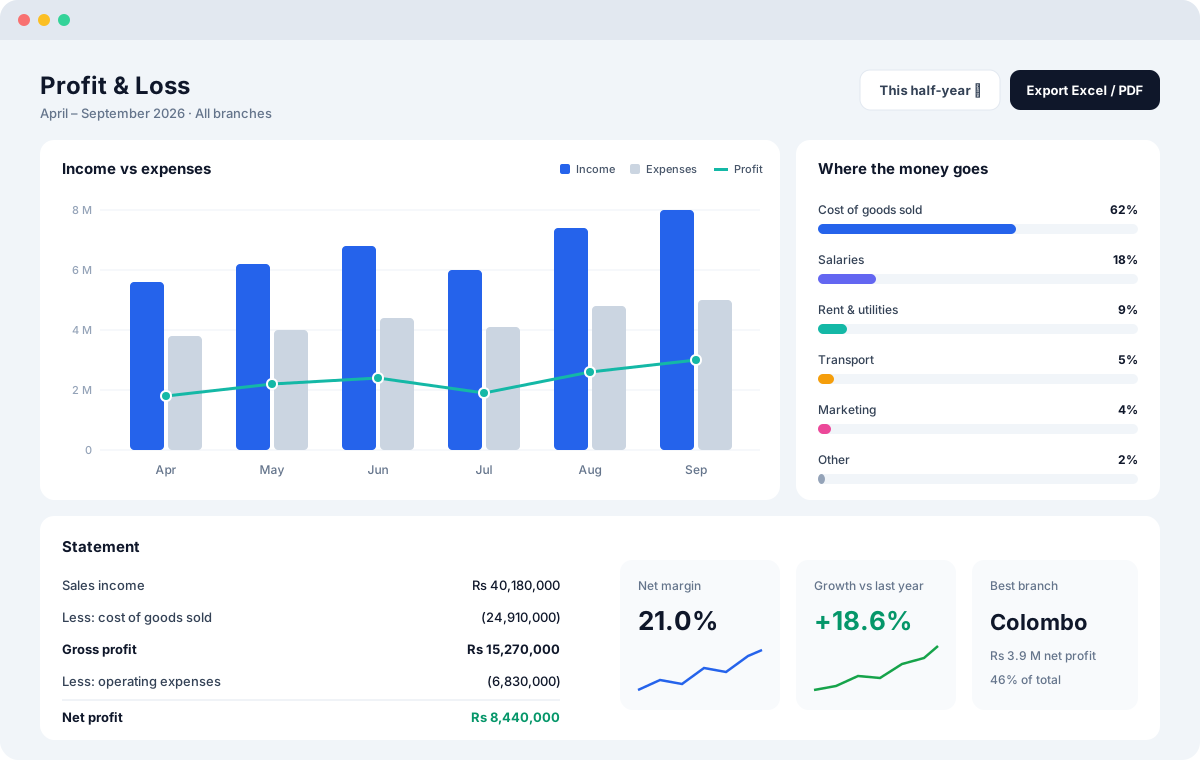
Scan a barcode and the item is in the cart, take part payments, and pick size or colour from a quick variation picker.
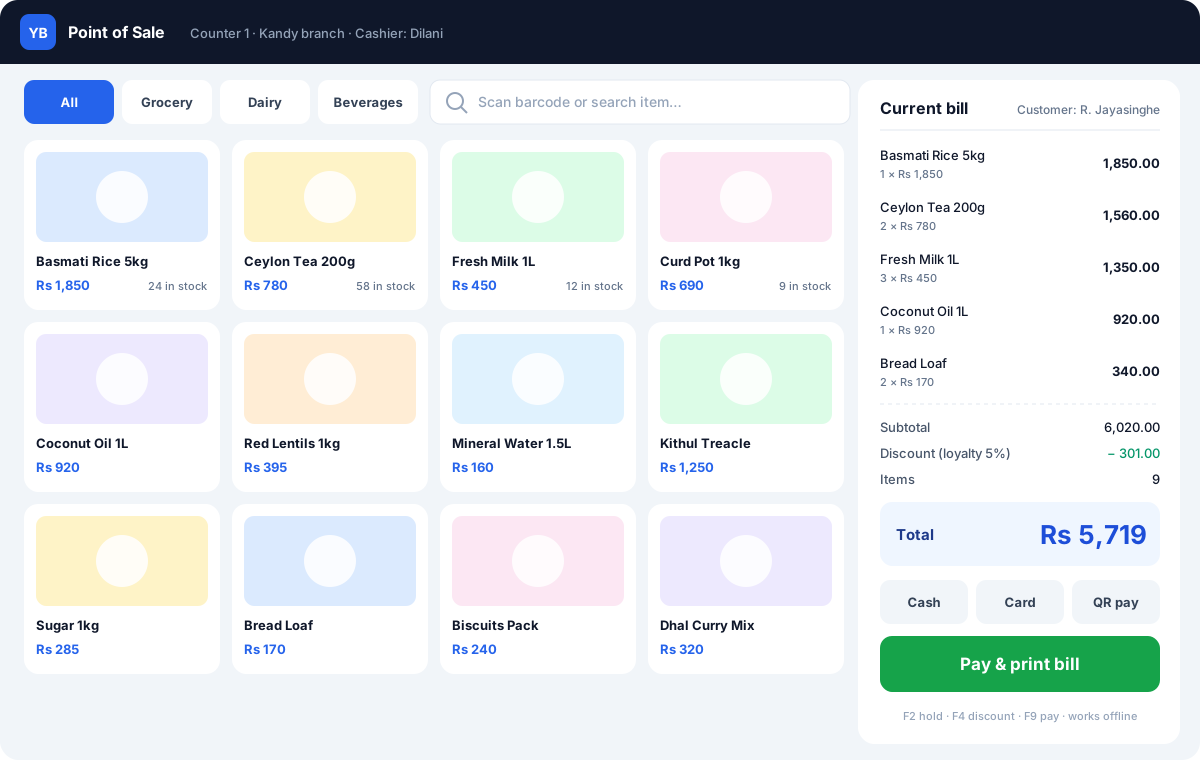
Recent POS improvements make busy counters quicker. A barcode scan adds the item straight to the cart — no extra key. Customers can pay part now and the rest later, and the balance goes to their account. Items with sizes, colours or other variations open a quick picker so the right one is sold every time.
Key Features
Benefits for Your Business
- Shorter queues
- Fewer wrong items sold
- Flexible payment for regular customers
Questions
Do you supply POS hardware?
Yes. We provide tested terminals, handheld POS, thermal printers, scanners, cash drawers and scales.
Which POS screen should I use?
There are nine register layouts — Classic, Express, Desk, Café, Pocket, Boutique, Clean, Smart grid and Restaurant — and each register can use a different one. We help you pick during setup.
Can a customer pay part of a bill?
Yes. Take a part payment at the counter; the balance goes to the customer's account and appears in the dues list until it is collected.